Does 3D Design Help With Remodeling Permits in Sacramento, CA?
If you’re asking whether 3d design help remodeling permits go smoother in Sacramento, you’re thinking ahead. The City still needs a proper plan set, yet 3D can help you lock the scope so the drawings match what you actually want to build.
TL;DR: If you’re asking whether 3d design help remodeling permits go smoother in Sacramento, you’re thinking ahead. The City still needs a proper plan set, yet 3D can help you lock the scope so the drawings match what you actually want to build.This FAQ-style…
Quick checklist:
- Define the scope and your must-have outcome (performance, budget, timeline).
- Confirm what work is involved and the order of operations.
- Finalize measurements and key selections before ordering long-lead materials.
- Collect 2–3 quotes and compare line-by-line (scope, allowances, cleanup, warranty).
- Create a simple schedule and pre-order the items that most often cause delays.
This FAQ-style post covers where 3D helps (layout, materials, lighting) and where it doesn’t (code checks and required plan details). For a quick consult, call +1 (916) 234-6696 or visit US Construction & Remodeling Corp..
TL;DR: 3D design helps you and your contractor align on what’s changing before permit drawings get prepared. Meanwhile, It won’t replace the documents the City reviews, but it can make those documents clearer and reduce redesign later. Additionally, Use 3D to confirm layout, key dimensions, and major choices early.
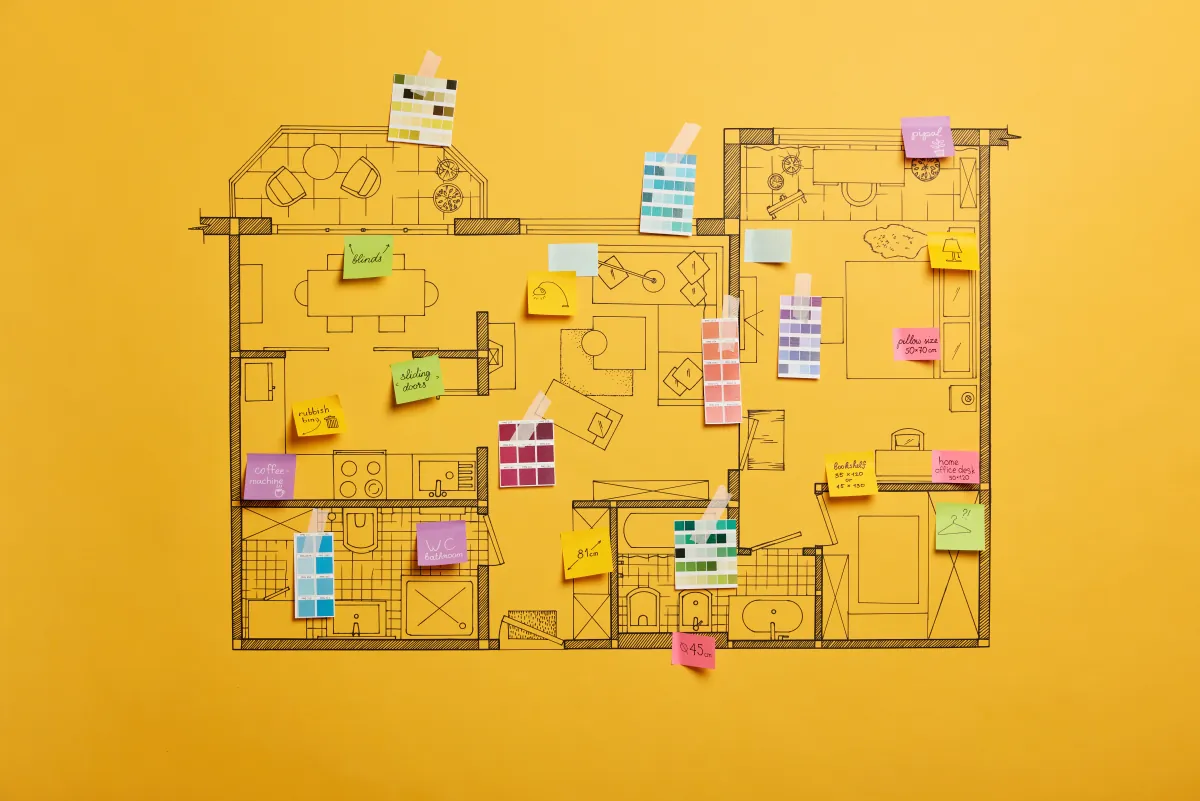
- Mark what moves: walls, also plumbing fixtures, electrical, and windows/doors.
- Pick “dimension drivers” early (cabinet depth, countertop thickness, tile size, appliance specs).
- Lay out lighting and switches so the electrical plan matches your real use.
- Decide on ventilation and HVAC changes (fans, ducts, returns, new registers).
- Build in safety features now (slip resistance, backing for grab bars, better night lighting).
- Save photos and rough measurements of existing conditions for the plan set.
Does 3D Design Help With Remodeling Permits In Sacramento, CA?: Materials, Layout, And Long-Term Value — 3d Design Help Remodeling
| Decision | Why it matters | Quick check |
|---|---|---|
| Scope | Defines what is included and prevents surprises. | Write a line-item scope and allowances list. |
| Site constraints | Access and hidden conditions can change the plan. | Check access and existing surfaces before work starts. |
| Selections | Long-lead items can drive the schedule. | Confirm availability before starting. |
| Permits | Some scopes require approvals and inspections. | Ask your city/county what applies to your project. |
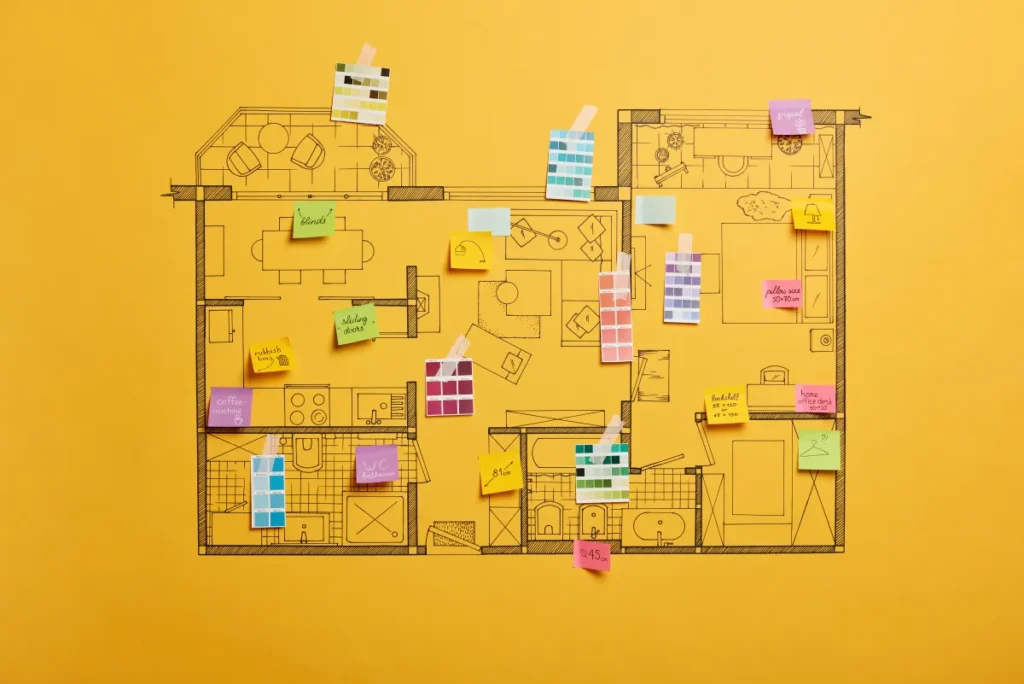
Permits are about scope and code, not “pretty pictures.” When a plan set clearly shows what stays, what changes, and how the new work ties into the old, reviewers can evaluate it faster and you can build with fewer on-site pivots.
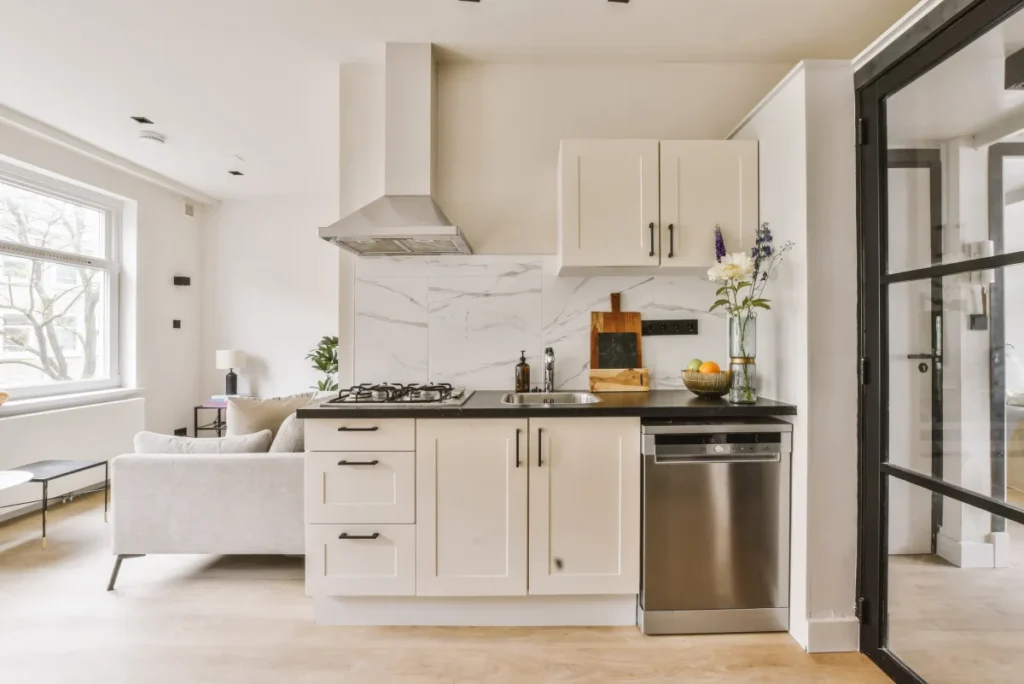
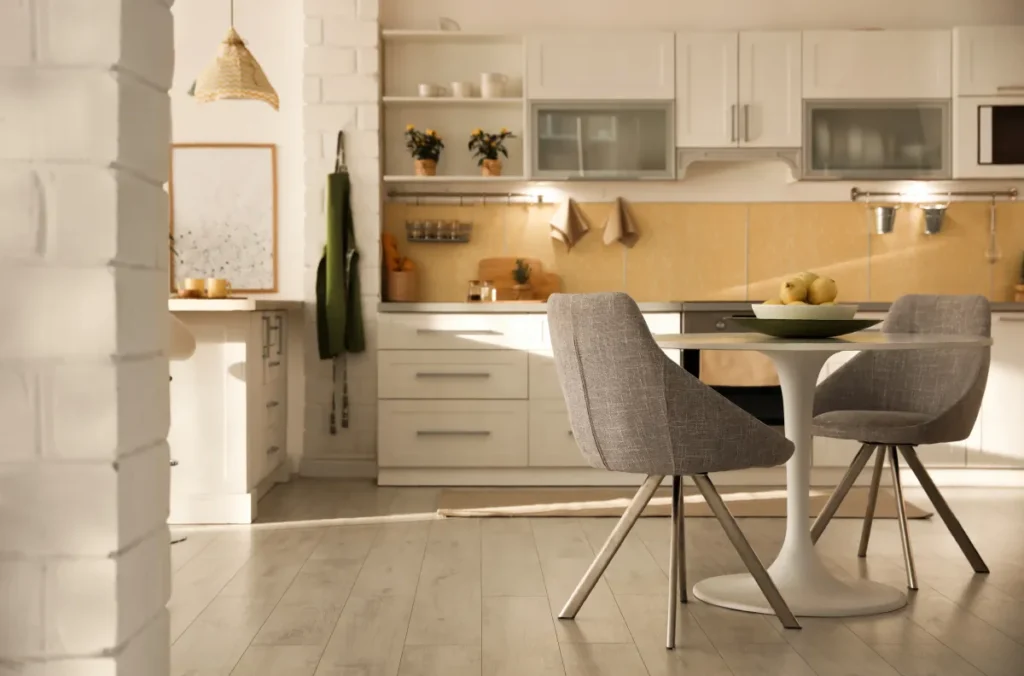
A 3D model is most useful as a coordination tool. Also, It helps you spot conflicts that don’t jump out on a sketch—like an appliance door that blocks a walkway, a cabinet run that crowds a doorway, or a thicker tile build-up that creates an awkward floor transition.
Material And Lighting Choices That Can Change The Plan Set
Some products affect dimensions or building systems, which means they can ripple into drawings and trade layouts.
- Countertops and backsplashes: thickness and overhang can affect clearances and outlet placement.
- Large-format tile: underlayment and leveling can raise finished floor height at doors and thresholds.
- Cabinet upgrades: deeper uppers, taller pantries, or built-ins can affect lighting and vent paths.
- Recessed lighting: framing direction and insulation clearance matter more than the “dot” on a plan.
Hypothetical example: You plan an island with seating for four. Additionally, In 3D, you notice the stool clearance pinches the path to a door, so you shorten the island and shift two lights. Meanwhile, That change is easy on screen; it’s expensive after rough electrical.
Layout Planning And Everyday Usability
Layout decisions drive everything else. In addition, Once circulation feels right, it becomes much easier to place lighting, pick finishes, and decide what work needs to happen behind the walls.
Quick Layout Checks To Run In 3D
- Walk paths: keep a comfortable route between main doorways without tight squeeze points.
- Door swings and drawers: confirm doors, appliance doors, and drawers can open without collisions.
- Work zones: group cooking, cleanup, and storage so you’re not crossing traffic to use the space.
- Switch locations: place controls where your hand naturally reaches when you enter.
- Night lighting: plan low-glare options for hallways, kitchens, and bathrooms.
If you want a remodel plan you can trust before you start spending on materials, call +1 (916) 234-6696 for a quick consult.

Materials That Hold Up (Pros/Cons)
3d design help remodeling 3D design is great for inspiration, but you still need materials that fit your day-to-day life. For example, Focus on durability, maintenance, and how finishes meet at edges, corners, and transitions.
- Quartz: consistent look and low maintenance; it can still be damaged by high heat.
- Porcelain tile: tough and water-resistant; grout lines need routine care.
- LVP flooring: comfortable and fast to install; quality varies and heavy point loads can dent.
- Engineered wood: warmer feel; it needs good water control and the right underlayment.
- Semi-gloss trim paint: cleans easily; it shows surface imperfections more than matte.
Maintenance Tips After The Remodel
Small habits keep new work looking new. Overall, These basics matter most in wet areas and high-traffic rooms.
- Use pH-neutral cleaners on stone and quartz; avoid harsh abrasives on polished finishes.
- Keep grout clean and dry; recaulk corners and transitions when you see gaps.
- Wipe down fixtures and glass to reduce hard-water spots; check for slow leaks early.
- Replace HVAC and range hood filters on schedule to keep airflow and indoor air quality steady.
Comfort + Efficiency Features
Comfort upgrades don’t have to be flashy. As a result, When you plan them early in 3D, you can often route wiring, ducting, and blocking before walls close, which keeps the job cleaner.
- Layered lighting: mix ambient, task, and accent lighting with dimmers.
- Quiet ventilation: right-size bathroom fans and range hoods for the space.
- Sound control: add insulation in key walls and use solid-core doors where it matters.
- Hot/cold comfort: address drafts and plan register locations that won’t fight furniture placement.
Accessibility And Aging-In-Place Considerations
Even if you don’t need it today, designing for safer movement is easier during a remodel. For this reason, Small layout changes can make daily use simpler later.
- Choose slip-resistant flooring in entries, kitchens, and bathrooms.
- Use lever handles and rocker switches for easier daily use.
- Add backing in walls for future grab bars near showers and toilets.
- Consider a curbless shower or a low-threshold entry where the layout allows.
- Improve visibility with brighter, even lighting and fewer shadowy corners.
Value & ROI Notes (General)
Value usually comes from usability and documented work more than trendy finishes. As a result, A clear design, a realistic scope, and durable materials tend to age better than a feature that’s hard to maintain.
- Prioritize layout fixes (storage, circulation, lighting) before cosmetic upgrades.
- Pick materials that match your cleaning habits and sun/water exposure.
- Keep selections consistent across adjacent spaces so transitions look intentional.
- When permits apply, completing the work and inspections can help future buyers understand what was done.

Budget & Timeline Snapshot (Typical)
Budgets swing widely in remodeling, so treat any numbers as a planning range until you confirm scope and products. In addition, What matters most is how many systems you touch (framing, plumbing, electrical, HVAC) and how specific your finish choices are.
| Decision | Why it matters | Typical effect |
|---|---|---|
| How detailed the 3D model is | More detail means more coordination and revisions upfront | More design time, fewer field changes |
| Product dimensions confirmed early | Specs affect rough-ins, outlets, and transitions | Smoother purchasing and fewer substitutions |
| Plumbing/electrical moves | Trade work often drives both permit scope and cost | More planning time and more inspection touchpoints |
| Permit path for your address | Review steps vary by scope and jurisdiction | Timeline can expand depending on review workload |
How Phases Usually Run
Projects move faster when the design answers the “where exactly?” questions early. As a result, Here’s a typical sequence for interior work that includes 3D planning.
- Site visit + measurements: 1–7 days depending on access and scheduling.
- 3D concept and layout options: ~1–2 weeks, including one to two revision rounds.
- Finish choices + permit-ready drawings: ~1–3 weeks depending on scope and decision speed.
- City review: varies; you’ll track status online and respond to comments if they come up.
- Ordering and scheduling: often 2–8+ weeks for cabinets, windows, and specialty finishes.
- Construction: ranges from a couple of weeks to several months based on size and complexity.
Permit Notes For Sacramento Projects
Many cosmetic updates don’t trigger permits, but changes that affect structure or building systems often do. As a result, When you move plumbing, add circuits, change windows/doors, or modify walls, confirm the permit path for your address and scope.
In Sacramento, permitting and plan review typically run through the City of Sacramento Community Development portal (Accela Citizen Access). For example, Applications, payments, and status tracking are handled online, which makes it easier to monitor progress once you submit.
Want a quick gut-check on whether 3D planning fits your remodel? Call +1 (916) 234-6696. Overall, We’ll talk through layout, materials, and the documents commonly needed for review.
Helpful Links
Related Service Page
Related reading
Frequently Asked Questions
Most permit offices review a plan set (floor plans, elevations, notes, and details). A 3D model can be helpful, but it usually serves as a supplement—not a replacement—for the required drawings.
Where 3D helps is coordination. When 3d design help remodeling decisions get specific (exact wall changes, fixture locations, lighting), your plan set tends to be clearer and closer to what gets built.
If you want to include 3D views as supporting pages, confirm what the City prefers for your scope before you submit.
Permit needs depend on scope and address, but these are common triggers:
- Removing or adding walls (especially anything that could be structural)
- Moving plumbing fixtures or adding new plumbing lines
- New circuits, panel changes, or significant lighting rewires
- Replacing or resizing windows/doors in a way that changes openings
- HVAC changes that add new ducts or equipment
When you’re unsure, check early. It’s much easier to adjust the plan set before work starts.
Pricing varies by how many rooms you model and how detailed you need it. For many homeowners, a basic 3D concept and layout options run from the low hundreds into the low thousands, while highly detailed, room-by-room modeling with multiple revisions costs more.
- Number of spaces and how many options you want to compare
- How accurate the existing-condition measurements must be
- Whether lighting, cabinetry, and fixtures need precise specs
- How fast you need iterations and updates
If you’re moving walls or touching multiple trades, 3D planning is often worth it for clarity. Call +1 (916) 234-6696 and we’ll talk through your scope.
It can, but it’s not automatic. Plan review comments usually come from missing dimensions, unclear scope, or code-related details. 3D design helps when it forces decisions early and keeps the team aligned.
- Locks in exact locations for fixtures, outlets, lights, and vents
- Reveals clearance issues before framing or rough-ins
- Reduces “we thought you meant…” changes after drawings are started
You still need accurate field measurements and a complete plan set for review.
These choices commonly trigger revisions because they change dimensions or rough-ins:
- Cabinet and appliance specifications (depths, clearances, venting)
- Countertop thickness and overhang
- Tile size and build-up (underlayment, waterproofing, leveling)
- Plumbing fixture models (valves, drains, toilet rough-in)
- Electrical loads (added circuits, panel capacity, specialty appliances)
When you pick these early, your 3D layout and the trade plans stay in sync.
Every job is different, but most permit-involved remodels follow a similar arc. Delays often come from late product decisions or long lead times—not the demo.
- Design + scope: ~1–3 weeks
- Permit drawings: ~1–3 weeks (more if engineering is necessary)
- City review: varies by scope and workload
- Ordering: often 2–8+ weeks for key items
- Build: ~2–12+ weeks depending on size and complexity
If you want a realistic timeline for your home, call +1 (916) 234-6696.
Yes. 3D makes it easier to visualize clearances and reach zones, which is hard to judge from a flat sketch.
- Wider walk paths and fewer tight turns
- Better lighting at entries and stairs
- Lever handles and easy-reach controls
- Shower layouts with room for future grab bars
- Flooring choices that reduce slip risk
Even small changes—like moving a switch or widening a doorway—can make the home easier to live in over time.
Licensed, insured & trusted local contractor
US Construction & Remodeling Corp.
9821 Business Park Dr, Sacramento, CA, 95827
Phone: +1 (916) 234-6696
CSLB License #: 1117562 Fully licensed and insured.
Related service
Looking for a step-by-step overview before you choose materials? Read 3D Visualization & Design Confidence.