
3D Vs 2D Plans: Which Is Better For Remodeling?
Remodel drawings can make or break your budget and schedule. Homeowners comparing 3d vs 2d plans usually want one thing: fewer surprises once construction starts. This guide breaks down what each format does well, when you actually need 3D. And how to ask for a plan set that a contractor can price.
Quick checklist:
- Define the scope and your must-have outcome (performance, budget, timeline).
- Confirm what work is involved and the order of operations.
- Finalize measurements and key selections before ordering long-lead materials.
- Collect 2–3 quotes and compare line-by-line (scope, allowances, cleanup, warranty).
- Create a simple schedule and pre-order the items that most often cause delays.
TL;DR: Use 2D plans for accurate dimensions, trade coordination, and permit-ready documents. Add 3D views when you need to confirm sightlines, clearances, and finish combinations. Most remodels go smoother with a solid 2D set plus a few targeted 3D renderings.
- List what’s changing: layout, walls, plumbing, electrical, or finishes
- Decide whether permits will be required for your scope
- Pick the rooms where visualization matters most (kitchen, bath, open living)
- Identify long-lead items early (cabinets, windows, specialty tile)
- Confirm storage needs, lighting needs, and outlet locations
- Ask for a written scope that matches the drawings you approve
Want a quick sanity check on your drawings before you spend more time or money? Call +1 (916) 234-6696.
Which Is Better For Remodeling?: Planning, Permits, And Practical Decisions For 3d Vs 2d Plans
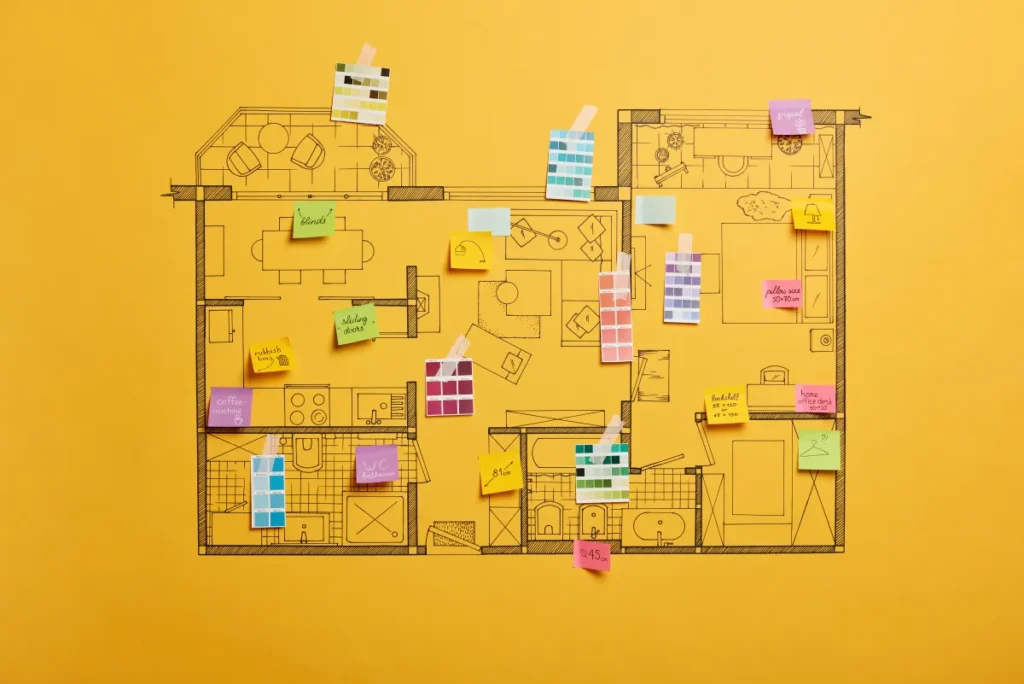
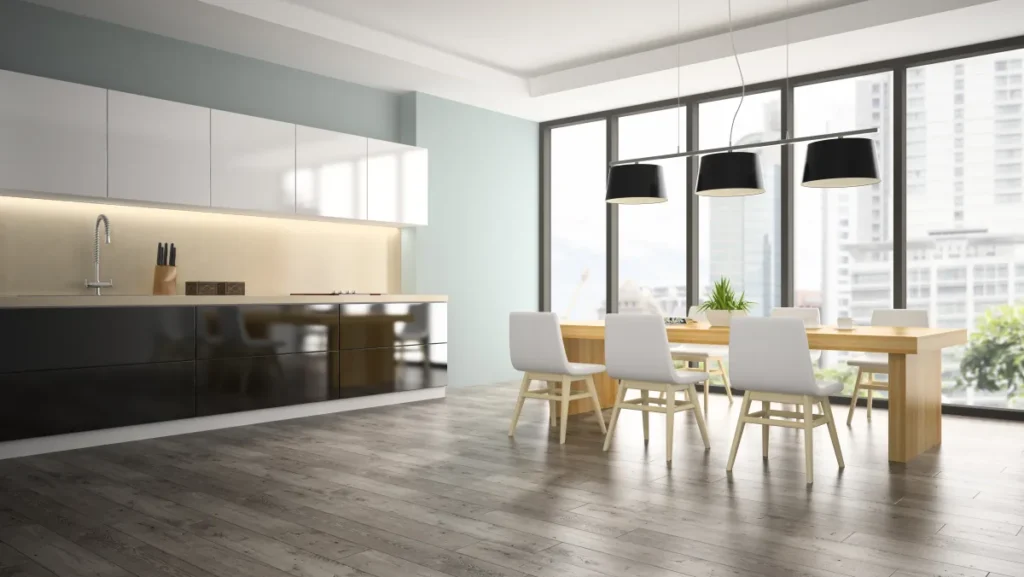
When homeowners debate 3d vs 2d plans, the “better” option depends on what decision you’re trying to make. For example, 2D plans are measurable drawings that trades and building departments can review. Meanwhile, 3D plans are visual models that help you see volume, depth, and how a design reads from the doorway.
Where Each Format Earns Its Keep
- 2D plans: dimensions, also clearances, elevations, and coordination for framing, plumbing, electrical, and HVAC
- 3D plans: sightlines, cabinet heights, tile patterns, lighting feel, and “will this look crowded?” questions
For most remodels, 2D is the backbone. In addition, Add 3D in the spots where a wrong visual choice would trigger expensive rework.
Quick Decision Table
| Decision area | 2D plan value | 3D plan value | Risk if unclear |
|---|---|---|---|
| Layout changes | Exact dimensions and circulation | How the room feels and flows | High |
| Kitchen/bath cabinetry | Appliance clearances and openings | Heights, proportions, and clutter | High |
| Lighting | Switching and fixture placement | Shadows, glare, and mood | Medium |
| Finishes | Schedules and quantities | How materials pair together | Medium |
Before/After Snapshot (Hypothetical Example)
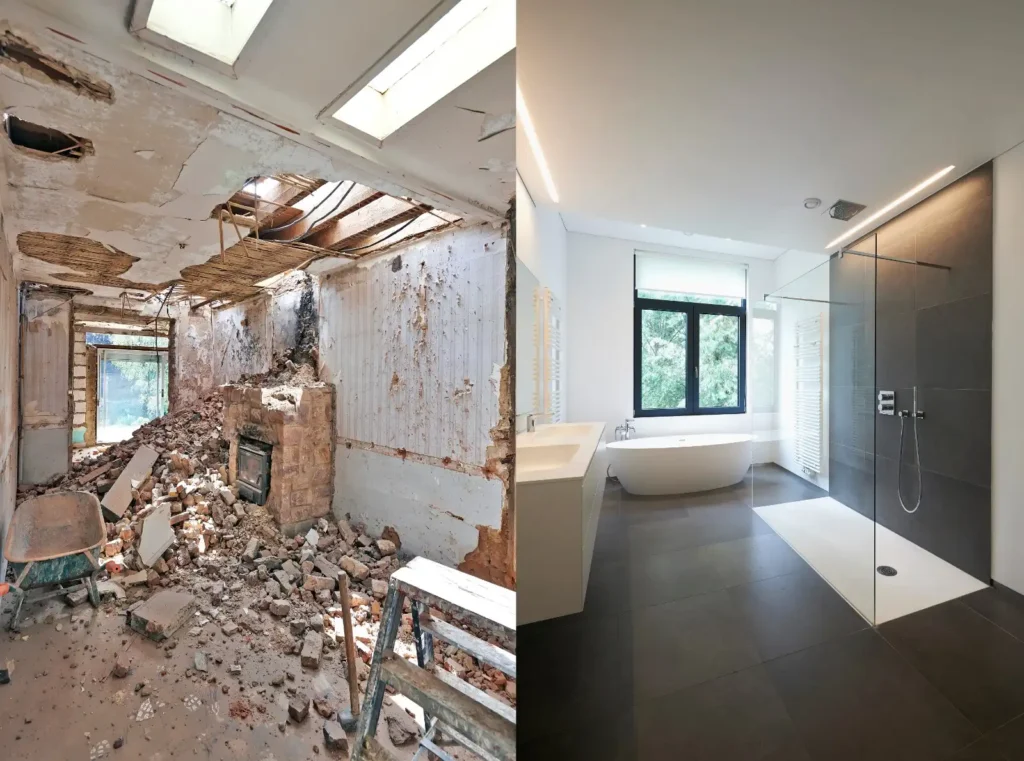
Hypothetical example: A homeowner approves a 2D kitchen plan with an island. As a result, On paper, the aisles look fine, but a simple 3D view shows the refrigerator door swing colliding with the main path.
With a small shift in the island and a cabinet change, the layout becomes comfortable. Overall, The 2D plan stays the document everyone builds from. For this reason, While the 3D view prevents a change that would have landed after cabinets were purchased.
Planning Checklist (Scope, Materials, Budget) For 3d Vs 2d Plans
A clean plan starts with a clean scope. Additionally, The more your scope matches your drawings, the easier it is to price and schedule the work. As a result, That alignment matters more than whether you use 2D, 3D, or both.
Scope Checklist (Write It Down)
- Rooms included and rooms excluded
- What stays vs what changes (walls, windows, doors)
- Plumbing and electrical changes (new locations, new circuits, new fixtures)
- Finish level (paint, flooring, tile, trim, hardware)
- Who supplies fixtures and materials, and who installs them
- Protection plan for floors, dust control, and daily cleanup expectations
Kitchens, Baths, And Flow
Use 2D plans to solve function and clearance. Also, Use 3D to confirm what it feels like at eye level. This is where 3d vs 2d plans becomes practical instead of theoretical.
- Galley kitchens: great for tight spaces; keep opposing runs aligned and avoid pinching at appliances
- L-shape kitchens: flexible; watch corner cabinet access and landing space near the range
- U-shape kitchens: efficient; confirm walkway width and where people will stand when doors are open
- Island-centered kitchens: high impact; verify seating, circulation, and appliance door swings in both 2D and 3D
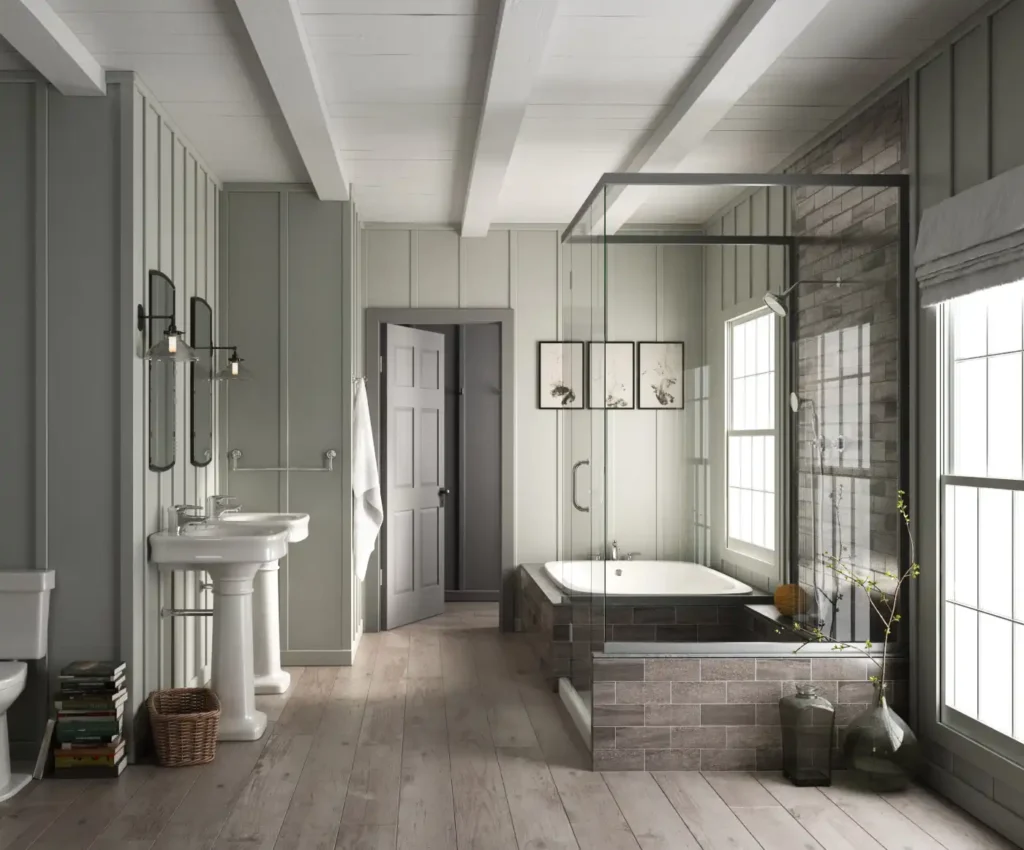
- Walk-in shower vs tub/shower: 2D confirms dimensions; 3D helps you evaluate bench/niche placement and glass style
Details That Change The Number
Material choices don’t just change appearance. For this reason, They change labor, sequencing, and what your drawings need to show.
- Cabinet doors: shaker is forgiving; slab looks clean but shows alignment issues; raised-panel adds detail and cost
- Countertops: quartz is consistent and low maintenance; granite varies naturally; laminate is budget-friendly; solid-surface blends seams well
- Tile: porcelain is durable; ceramic is easier on the budget; natural stone needs sealing and careful maintenance
- Fixtures: confirm valve type, rough-in depths, and finish compatibility early to avoid returns and delays
- Flooring: engineered wood, LVP, and tile each have different prep and transition requirements
Layered Lighting Plan (Don't Skip It)
Good lighting uses layers: ambient (overall), task (work areas), and accent (features). Meanwhile, A 2D plan can map locations and switching. While a simple 3D view can help you avoid harsh shadows on counters and vanities.
Small Changes, Big Daily Payoff
- Deep drawers instead of lower cabinets for pots and pans
- Pull-out trash/recycling to keep traffic clear
- Pantry pull-outs or vertical tray storage near the cooking zone
- Recessed medicine cabinet or linen tower to free up floor space
- Shower niches and a bench where the layout allows
If you want a baseline for a bigger scope, start with our home remodeling overview and gather photos of the existing conditions.

Permits And Inspections (General)
US Construction & Remodeling Corp. For example, helps homeowners build a permit-ready plan set and choose when 3D visuals add value—so your scope. Drawings, and pricing stay aligned. If you’re sorting out 3d vs 2d plans. We’ll recommend the simplest plan package that supports your scope and permit needs. Based in Sacramento, we coordinate with the local jurisdiction and keep communication clear from planning through closeout.
Request a written estimate and include your address, a few photos, and your must-have list. As a result, You’ll get a clear scope and pricing you can compare.
What Typically Triggers A Permit Review
- Moving or removing walls, especially if a wall could be structural
- New windows/doors or changes that affect exterior openings
- Plumbing or electrical relocations, new circuits, or panel work
- Additions, conversions, or major HVAC changes
2D Drawings Are Usually The “Permit Language”
Most building departments review 2D construction documents: floor plans, elevations, details, and notes. For this reason, 3D renderings can help you make decisions, but they rarely replace the documents used for plan check and inspections.
Inspection Points To Plan For
- Rough framing, electrical, and plumbing (as applicable)
- Waterproofing and shower pan details where required by code and jurisdiction
- Final inspection and sign-off
Trust And Accountability Checklist
- Licensed and insured for the work performed (ask what’s covered)
- Clear agreement on who pulls permits and schedules inspections
- Written change-order process for anything outside the plan set
- Communication rhythm you can count on (updates, photos, and decision points)
Frequently Asked Questions
Often, yes. Most jurisdictions review 2D construction drawings (plans, elevations, details) for permit approval. 3D renderings can support decisions, but they typically don’t replace the plan set used for plan check.
3D helps most when you’re changing the layout or adding custom elements.
- Kitchens with an island or tight clearances
- Bathrooms with a walk-in shower, glass, niches, or benches
- Open-concept changes where sightlines matter
- Built-ins, ceiling features, or complex lighting
At a minimum, you want existing and proposed floor plans with dimensions. Depending on scope, you may also need elevations, sections/details. And a basic schedule for finishes and fixtures so pricing is consistent.
They can, but only when they reduce indecision. A small amount of design time up front can prevent late layout changes. Which cost time once rough-ins and inspections start.
The biggest drivers are the number of spaces, the detail level, and how many revisions you need. Custom cabinetry, structural changes, and complex tile patterns usually require more modeling time than a finish-only refresh.
Look for a clear written scope and transparent assumptions.
- Ask who will pull permits and coordinate inspections if needed
- Confirm licensing and insurance for the work performed
- Review how changes are documented and priced
- Make sure the estimate matches the plan set you’re approving
If you’re comparing 3d vs 2d plans, a good contractor will explain what’s necessary for your scope and what’s optional.
Start with the pillar guide
For a complete overview (scope, timeline, and planning tips), see our main page: 3D Visualization & Design Confidence.